Creating an online course? 

Stop Worrying that You Aren't "Creative Enough" for Kajabi 

You don’t need a design degree to make a pro-looking course.

Download my free Non‑Designer’s Guide to make your course easier for real students to use—and save your early‑access spot for the Non‑Designer’s Safe‑Launch System that pairs Kajabi with simple UX research, not guesswork.

I'm a UX designer.

I'll help you fill the gap.

Here's what you get:

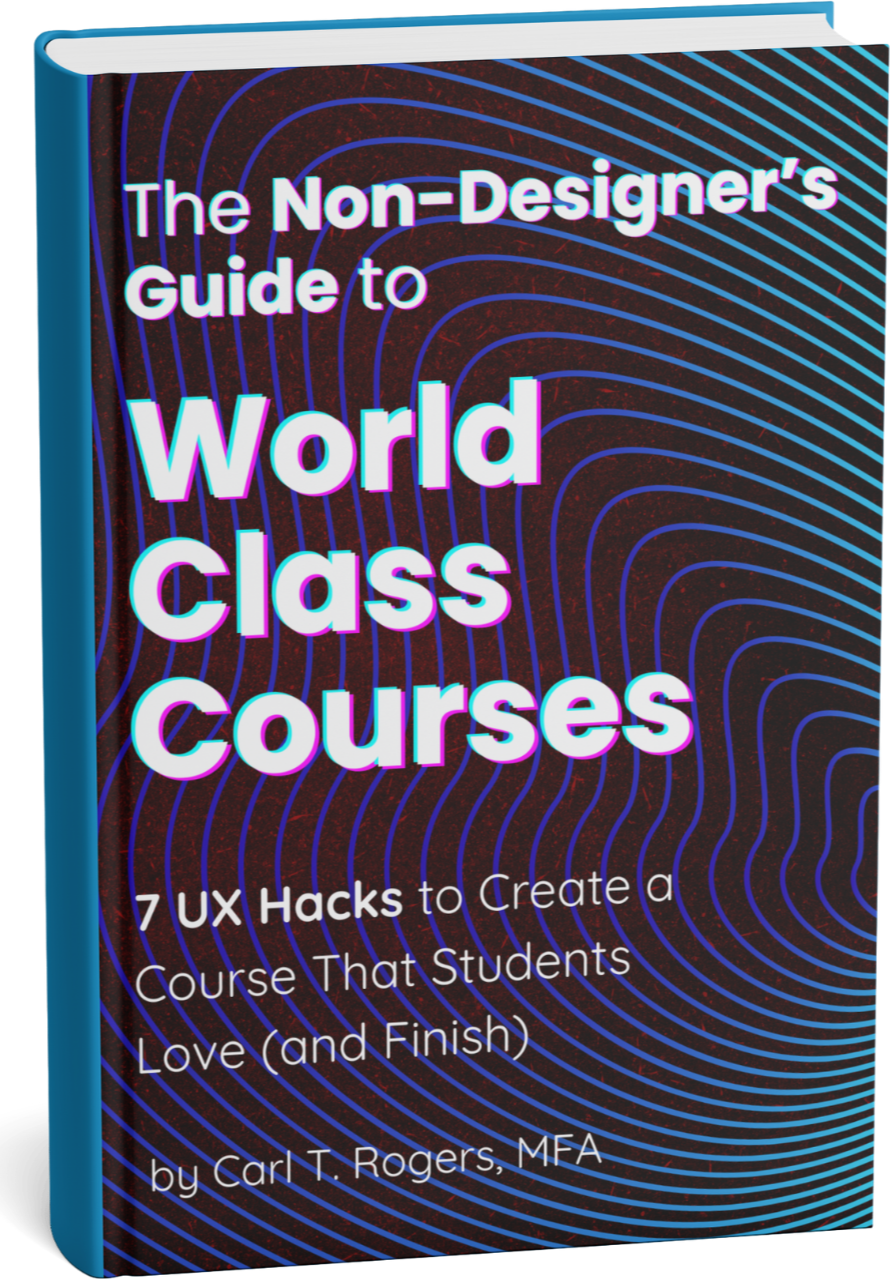
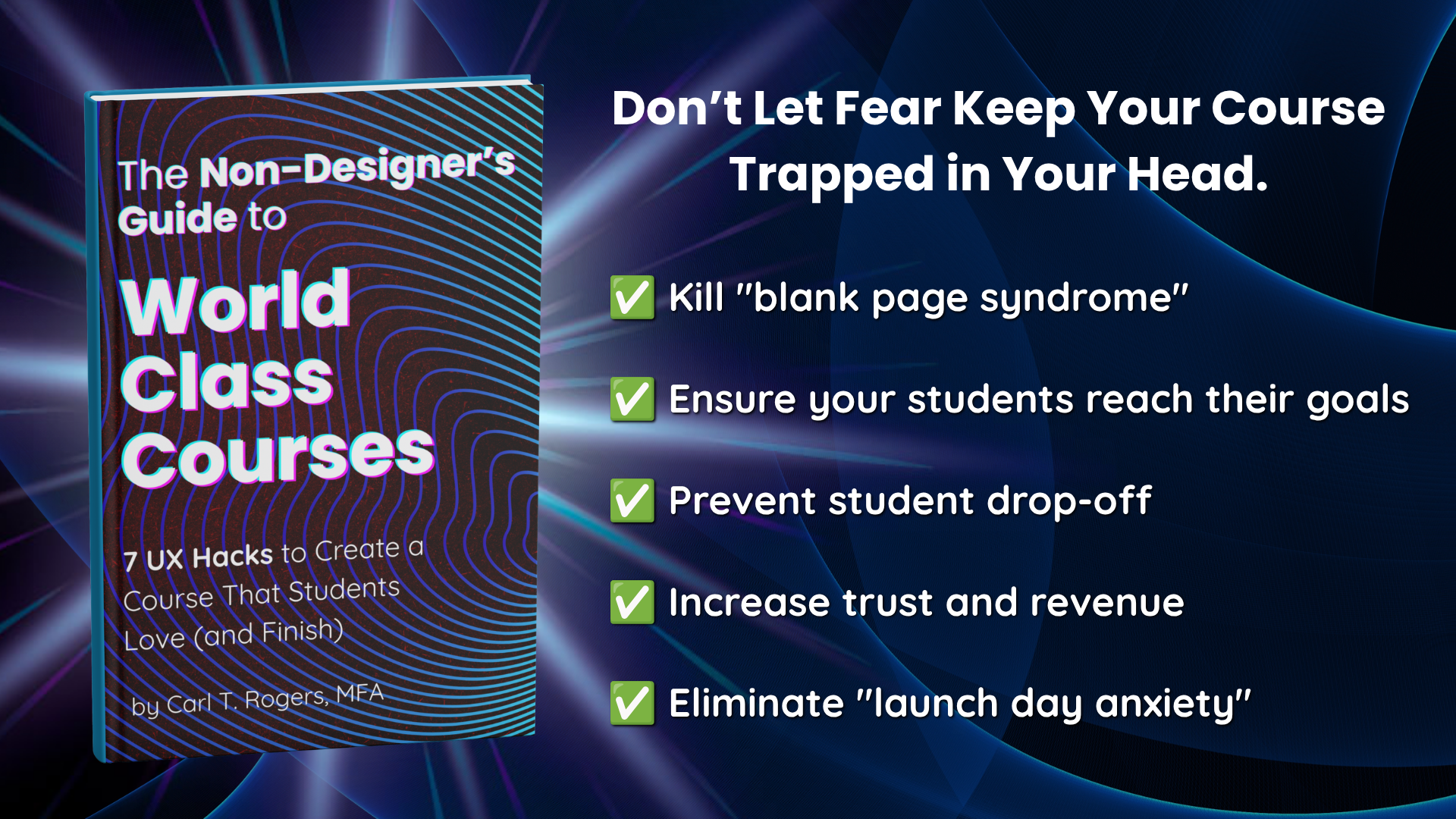
✅ Instant Download: The "Non-Designer’s Guide to World-Class Courses" (7 UX hacks that work on any platform).

✅ The Result: Build a course students actually finish without touching a line of code.

Don't waste your free trial trying to figure out where the buttons are; get this first!

Send Me The Free Guide + Add Me to the Waitlist

I’m an expert in my field...

…but I have no idea how to design an online course.

Or my landing pages. 

Does that sound familiar?

You’ve heard the gurus say Kajabi is the best. But when you look at a blank dashboard, you don't see "financial freedom." You see:

  • "What if my course looks amateur?"

  • "I don't know how to organize my curriculum!"

  • "Is this too advanced for where I'm at right now?"

It’s normal to feel that way. Most creators sign up for a trial, get overwhelmed by the design options, and quit before they ever sell a single module.

Kajabi is mad powerful. But let’s be honest…it can look intimidating. 

That intimidation isn't a character flaw.

It's just a knowledge gap.

I solve problems like that for Fortune 150 companies before breakfast. 

And part of that gap is that no one has shown you how to borrow a few UX habits—like watching how real people move through your pages and asking them what’s confusing—before you go wild with design tweaks or AI tools.

We've got this.

Step 1: The Blueprint (Available Now)

The Non-Designer’s Guide to World-Class Courses 

I wrote this guide specifically for creators who care about quality but don't have a background in pedagogy or professional design.

Inside, I flip the script on "tech" and focus on UX (User Experience)—the simple principles that make students love your content.

What’s Inside:

  • 🎨 The "Student = User" Paradigm Shift: Why treating your students like software users changes everything (and makes design easier).

  • 🛠 7 Design Hacks: Simple tweaks you can make in Kajabi to separate your course from the amateurs.

  • 🧠 3 Success Principles: The foundational approach to creating killer courses that students actually finish.

Start designing your course before you ever start your Kajabi trial!

Send Me The Free Guide + Add Me to the Waitlist

Step 2: The Implementation (Unlocked During Your Trial)

The Non-Designer's Safe-Launch System

You can read about UX design principles all day, but eventually, you have to build. When you are ready to start your free 30-Day Kajabi Trial, I will unlock my complete implementation system—also for free.

It is designed to cure "blank page syndrome" and keep you out of "settings hell." You’ll also see how to treat your students like users—listening to what they say, then using Kajabi’s built‑in tools and light AI help to design around their actual struggles, not the fantasy course in your head.

The Safe-Launch System includes:

🎥 Part 1: The Kajabi Confidence Course

A 7-day sprint where I show you exactly what to click—and what 70% of the platform to IGNORE—so you can get your MVP live without coding and test it quickly with early students instead of perfecting it in private.

You'll also get:

🤖 Part 2: The Cofounder MVP Prompt Path

My custom AI cheat sheet! Paste these prompts into Kajabi’s built‑in AI to turn real learner feedback and your expertise into lean outlines, lesson scripts, and sales copy—while using Devil’s Advocate prompts to catch blind spots before you overbuild.

Why is this locked until you start a trial? 

As a UX designer, I believe in progressive disclosure. Giving you a massive tech roadmap before you even have a Kajabi account will just overwhelm you. I hold this bundle back so you don't burn mental energy on settings you can't even see yet. That’s a UX decision, not a marketing trick. 

Creators should not build a massive course roadmap before they’ve even seen the product or talked to a single potential student.

This "progressive disclosure" protects your focus and theirs.

Also, in full transparency: My Kajabi link is an affiliate link. If you stay past your free trial, Kajabi pays me a commission. I could easily charge hundreds for this system, but I give it away for free because my goal is to help you launch something profitable before you ever pay Kajabi a dime. My financial incentive is entirely tied to your success.

Get the free Guide today to start ideating. Then, when you're ready to actually build, start your trial and I’ll send you the Safe-Launch System!

Send Me The Free Guide + Add Me to the Waitlist

Why Join the List Now?

Because preparation starts before login.

If you start a free trial today without a plan, the clock starts ticking. You’ll spend 14 days stressing over fonts and colors instead of selling.

My advice?

Grab the Non‑Designer’s Guide today.

Learn the UX principles first—how to think like your students, not your software—so when the Kajabi Confidence Course drops, you’re ready to combine those principles with real learner feedback and Kajabi’s tools.

The guide gives you the blueprint; the Safe‑Launch System shows you how to test that blueprint quickly with real people while using Kajabi's AI as your assistant, not your decision‑maker.

Send Me The Free Guide + Add Me to the Waitlist

I use Kajabi because it handles the design for me

I’m Carl T. Rogers, MFA. I’m a Senior Experience Strategist and Designer by day, and a course creator by night.

I’ve designed digital experiences for massive clients like Hitachi and Wells Fargo. But when it came to my own courses, I didn't want to code from scratch.

I chose Kajabi because it’s built around the exact UX principles I teach. It allows me to focus on my writing and teaching, not on plugins and updates.

But the perfect platform ain't enough.

Even as a UX designer, I once launched a course that looked polished but didn’t match what students actually needed, because I built around my ideas instead of their words.

That mistake is why I’m so obsessed with simple, human‑centered testing today. 

The Safe‑Launch System is my way of sharing those UX habits so you can pair Kajabi’s templates and Cofounder AI with lightweight research loops instead of building in a vacuum.

Design with Clarity.

Launch with Confidence!

Don't let "tech fear" keep your knowledge locked inside your head.

Start your journey as a course designer—learning how to think like your students and use Kajabi’s tools and AI helpers to support that, not replace it.

Get the Guide + Early Access

I am a long-time customer and an affiliate of Kajabi. If you use my affiliate link, I may receive a small commission at no extra cost to you.